
Sales & CRM
The 7 best B2B CRM systems (2026)

Copy for AI
The best B2B CRM is the one your sales team actually uses every day.
In 2026 that shortlist is HubSpot, Pipedrive, Salesforce, Zoho CRM, Teamleader and ActiveCampaign.
The verdict: there’s no single best B2B CRM. HubSpot wins when marketing and sales share one system, Pipedrive for simple deal follow-up, Salesforce for complex enterprise processes, Teamleader for Belgian SMEs that also invoice from their CRM.
How we checked: every price comes from the vendor’s own pricing page, checked on 18 October 2026 (Teamleader on 17 October), in the currency the page showed. The screenshots are the vendors’ public homepages.
We’ve set up HubSpot, Pipedrive, Teamleader and Salesforce for clients. We haven’t worked in Zoho.
No vendor pays us to be listed.
What are the best CRM tools for B2B sales in 2026?
Here’s the short version, one row per system:
| CRM | Best for | Free option | Paid from |
|---|---|---|---|
| HubSpot | Marketing and sales in one system | Free CRM, up to 2 users | Sales Hub Starter $7 per seat/mo |
| Pipedrive | Visual deal pipeline for sales teams | 14-day trial | Lite €14 per seat/mo, billed annually |
| Salesforce | Complex processes, enterprise scale | Free Suite listed | Starter Suite $25 per user/mo; Sales Cloud from €195 per user/mo |
| Zoho CRM | Lots of features for a sharp price | Free for up to 3 users | Zoho CRM Plus from $20 per user/mo |
| Teamleader | Belgian SMEs: CRM, quotes and invoicing | 14-day trial | Smart €50/mo for up to 2 users, billed annually, excl. VAT |
| ActiveCampaign | CRM plus automated nurturing | 14-day trial | Not shown publicly: price on request |
| HubSpot or Zoho free | Starting without a budget | Free plans | Free |
What is a B2B CRM?
A CRM is the system where you store every company, contact and deal. You follow each opportunity from first contact to signed contract.
In B2B that means long sales cycles, several decision-makers per account and deals that run for months.
So the pipeline view matters more than in B2C.
How do you recognize a good B2B CRM?
It supports a long, multi-person sales process without slowing your team down.
Check these six points before you compare brands:
- Pipeline: deals move visually through clear stages, with tasks and reminders
- Marketing integration: web and campaign leads land with their source attached
- Reporting: conversion per stage, per source and per salesperson
- Adoption: the team uses it without being chased
- Price: the total per user per month, add-ons included
- GDPR: a data processing agreement and, where possible, EU hosting
Lead source is where most leaks start
Leads from sources such as your website, campaigns and emails should arrive in the CRM automatically. That saves manual work and prevents leaks.
See recording the lead source in your CRM, and for paid leads, connecting lead ads to your CRM.
Adoption beats features
The most powerful system is worthless if your team avoids it. A CRM that feels smooth gets used, and that decides your return.
What goes wrong in practice
These are the mistakes we see most in client CRMs:
- data out of sync between tools
- deals not updated, or credited to the wrong team
- cases slipping because notifications don’t fire
- salespeople who simply don’t want to do admin
It’s worse in mid-market teams with a complex or varied offer. Selling one product keeps things simpler.
Want your process in order first? Read how to set up CRM and lead management. The tool follows the process, not the other way around.
Which B2B CRM is best for your team?
It depends on who generates your leads and how complex your process is. Here’s the decision in one picture:
Below, each system gets the same four lines, a screenshot and a pros and cons table.
1. HubSpot (marketing and sales in one system)
Best for: growing B2B companies where marketing and sales work in one shared system.
Biggest strength: marketing data such as forms, emails and lead source flows into the same contact record sales works from.
Price: free CRM for up to 2 users; Sales Hub Starter from $7 per seat per month; Marketing Hub Professional from $800 per month with an annual commitment (pricing page, checked 18 October 2026, USD).
Watch out: the price climbs steeply once contacts and features grow.
The homepage puts the free CRM front and center:
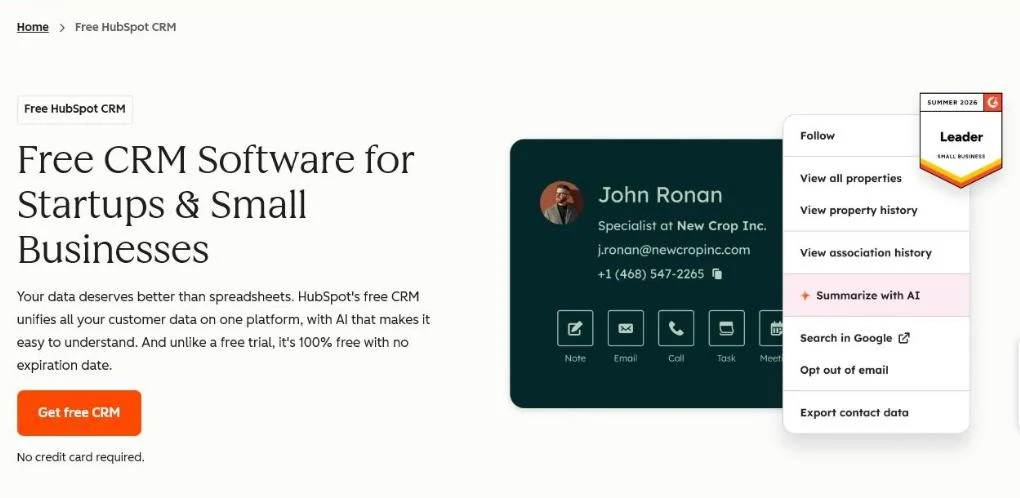 HubSpot’s homepage, October 2026. The free CRM is the entry point to the paid Hubs.
The free base grows into paid Sales and Marketing Hubs. You get email tracking, sequences, forms and solid reporting in a friendly interface.
It fits companies that take inbound and marketing automation seriously. So calculate your package carefully in advance.
Site on another platform? Read how a HubSpot website integration works before you commit.
| Pros | Cons |
|---|---|
| Free CRM base with a clear upgrade path | Professional tiers get expensive fast |
| Marketing and sales on one contact record | Paid onboarding fees on higher tiers |
| Accessible interface, high adoption | Many features sit behind separate Hubs |
Verdict: pick HubSpot when marketing fills most of your pipeline.
2. Pipedrive (visual pipeline for salespeople)
Best for: sales-driven SMEs that mainly want to follow up deals without complexity.
Biggest strength: the clearest drag-and-drop deal pipeline in this list, with a short learning curve.
Price: Lite €14, Growth €39, Premium €59, Ultimate €79 per seat per month, billed annually; 14-day free trial (pricing page, checked 18 October 2026, EUR).
Watch out: marketing features are limited.
The pipeline is the product, as the homepage shows:
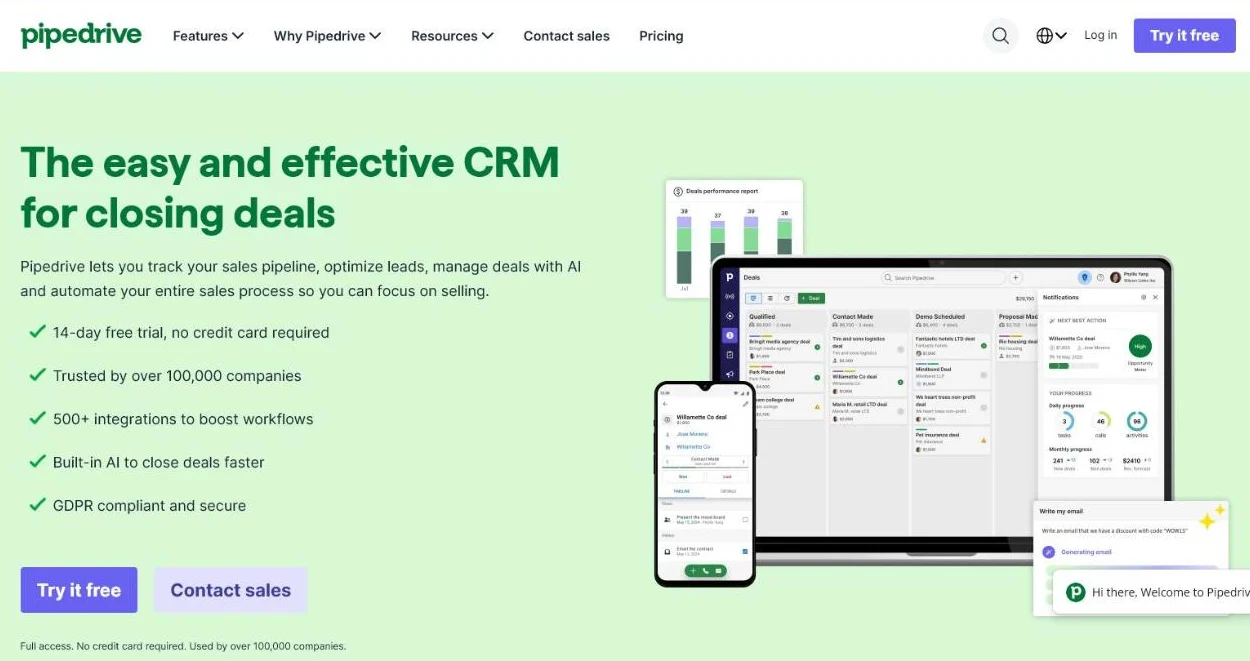 Pipedrive’s homepage, October 2026. The product is built around one visual pipeline.
Pipedrive does one thing well: visual pipeline management for salespeople. The interface is clear, so adoption is high.
Leaning heavily on inbound? Then couple Pipedrive to separate marketing tools.
| Pros | Cons |
|---|---|
| Very fast to learn, high adoption | Marketing features are limited |
| Clear per-seat pricing | Useful extras are paid add-ons |
| Strong visual pipeline | Less suited to complex, multi-team processes |
Verdict: pick Pipedrive when your team sells outbound or through referrals.
3. Salesforce (complex processes and enterprise scale)
Best for: larger organizations and scale-ups with complex processes and many integrations.
Biggest strength: almost everything is configurable, for example the data model and approval flows.
Price: Starter Suite $25 per user per month; Sales Cloud Core €195, Advanced €395, Max €550 per user per month, billed annually (pricing page, checked 18 October 2026).
Watch out: implementation and management usually need a specialist or partner.
Here’s the public homepage:
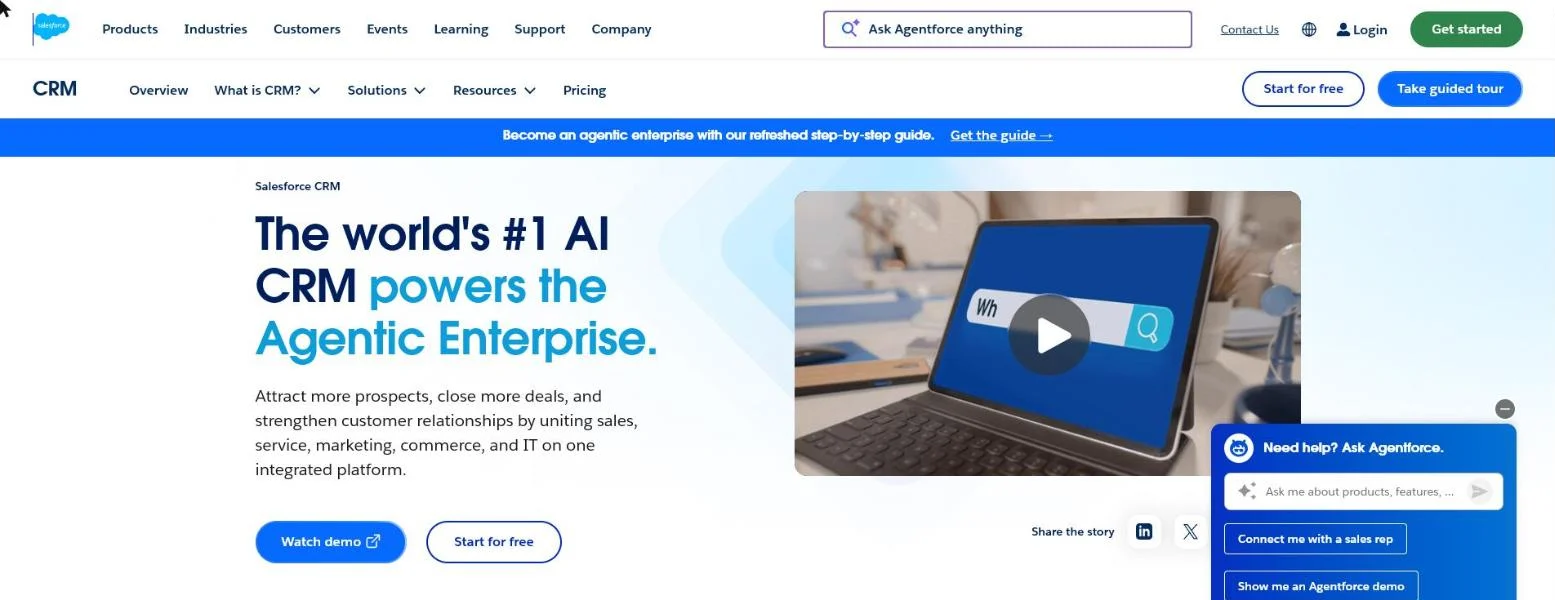 Salesforce’s homepage, October 2026.
It’s the most comprehensive and customizable platform in this list. That strength is also the pitfall: the total cost is higher.
For a small SME it’s usually too heavy. For scale-ups and enterprise teams it’s often the safest long-term choice.
Running Google Ads? Feed closed deals back from the CRM: see offline conversions from HubSpot and Salesforce.
| Pros | Cons |
|---|---|
| Configurable for nearly any process | Implementation usually needs a partner |
| Huge ecosystem of integrations | Highest total cost in this list |
| Scales to large, multi-team sales orgs | Too heavy for most small SMEs |
Verdict: pick Salesforce when processes, not people, are the bottleneck.
4. Zoho CRM (functionality for a sharp price)
Best for: price-conscious SMEs that want to combine several Zoho tools.
Biggest strength: a broad suite (invoicing, support, marketing) at a low price per user.
Price: free edition for up to 3 users; Zoho CRM Plus from $20 per user per month. Standard, Professional and Enterprise amounts load through a currency selector and weren’t in the page text (pricing page, checked 18 October 2026).
Watch out: the many modules take time to set up.
Zoho leads with a free sign-up:
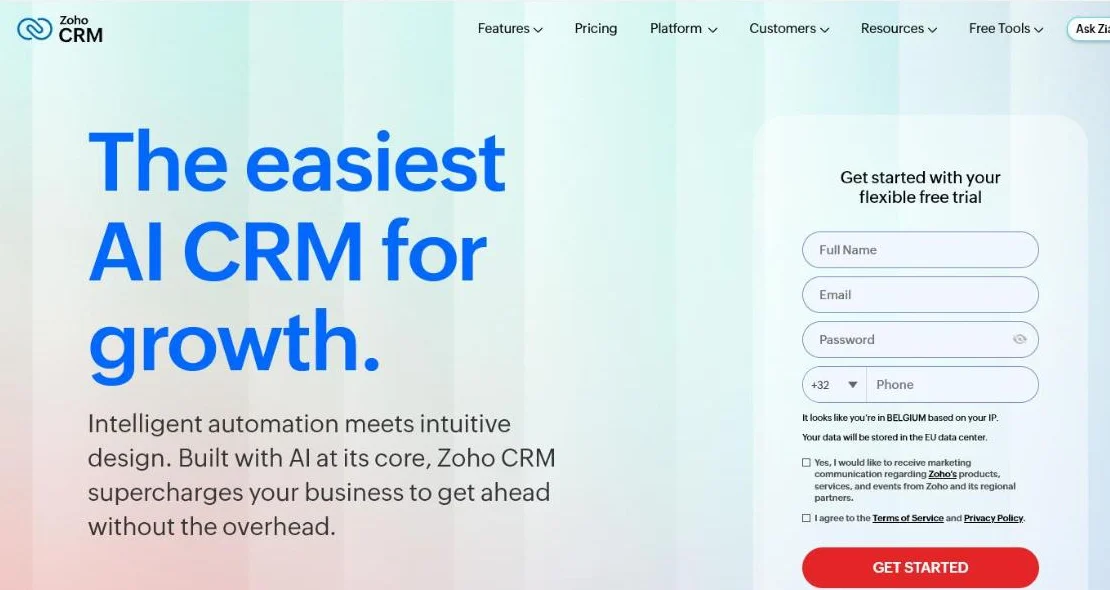 Zoho CRM’s homepage, October 2026.
You get a lot of functionality for the money. But the experience is less streamlined than Pipedrive or HubSpot.
It’s the only system in this list we haven’t worked in, so weigh it on the vendor’s own trial.
| Pros | Cons |
|---|---|
| Free edition for small teams | Many modules, steeper setup |
| Strong value for money | Interface less polished than Pipedrive or HubSpot |
| Part of a wide business suite | Edition prices hard to compare upfront |
Verdict: pick Zoho when budget matters most and you’ll invest setup time.
5. Teamleader (favorite for Belgian and Benelux SMEs)
Best for: Belgian and Benelux SMEs that want sales, quotes, invoicing and projects in one place.
Biggest strength: sales and administration together, with local accounting integrations and EU hosting.
Price: Teamleader Focus Smart €50, Grow €66, Flow €90 per month for up to 2 users, billed annually (€60, €78 and €99 billed monthly), excluding VAT, with 50% off from the sixth user (pricing page, checked 17 October 2026, EUR).
Watch out: less depth for international, marketing-heavy growth.
CRM and invoicing share the homepage:
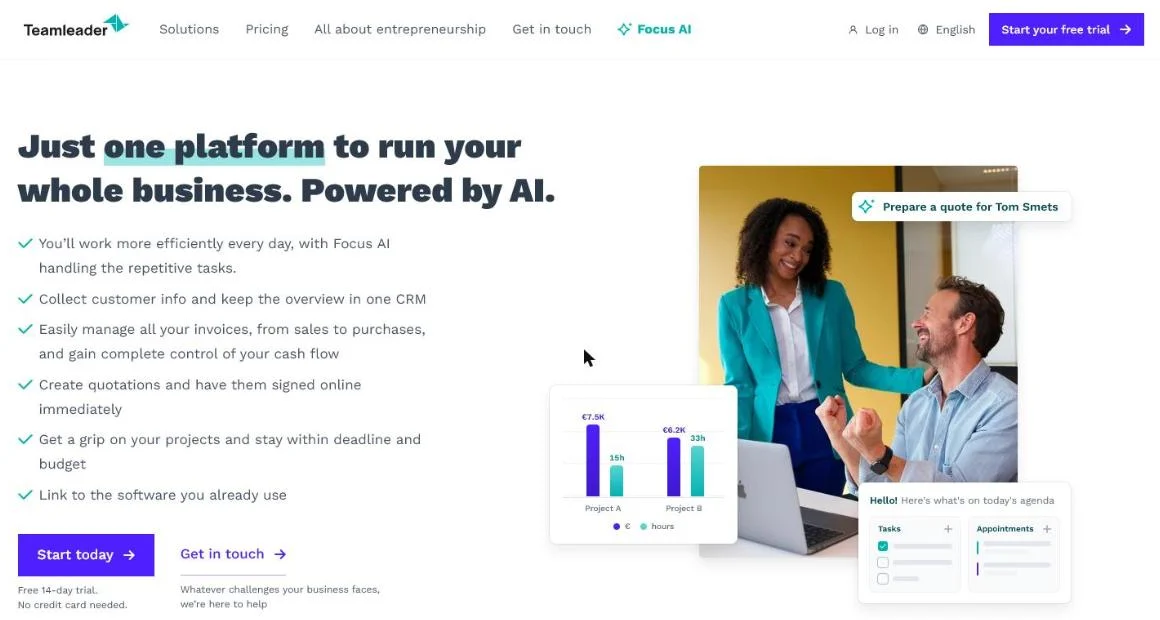 Teamleader’s homepage, October 2026. CRM and invoicing sit in one product.
Teamleader is a Belgian product, and it shows. It matches how Benelux SMEs work, with local accounting integrations and EU hosting.
Our experience: Customer Impact runs on Teamleader itself today. We have no commercial tie with them.
We’re even weighing a custom CRM. We don’t need every module, and paying a lot mainly to send invoices adds up.
| Pros | Cons |
|---|---|
| CRM, quotes and invoicing in one tool | Less marketing depth than HubSpot |
| Local integrations and EU hosting | Fewer international integrations |
| Pricing per package, not per feature | Bigger teams need add-on boosters |
Verdict: for the classic Belgian B2B SME, Teamleader rightly ranks high.
6. ActiveCampaign (CRM plus automation)
Best for: B2B companies where automated nurturing over a long sales cycle makes the difference.
Biggest strength: advanced triggered email flows with lead scoring attached.
Price: not shown publicly; the pricing page asks you to request a price and offers a 14-day free trial. Deal pipelines and lead scoring come with the Pipelines add-on (pricing page, checked 18 October 2026).
Watch out: as a pure deal CRM it’s weaker than Pipedrive.
Automation leads, as the homepage shows:
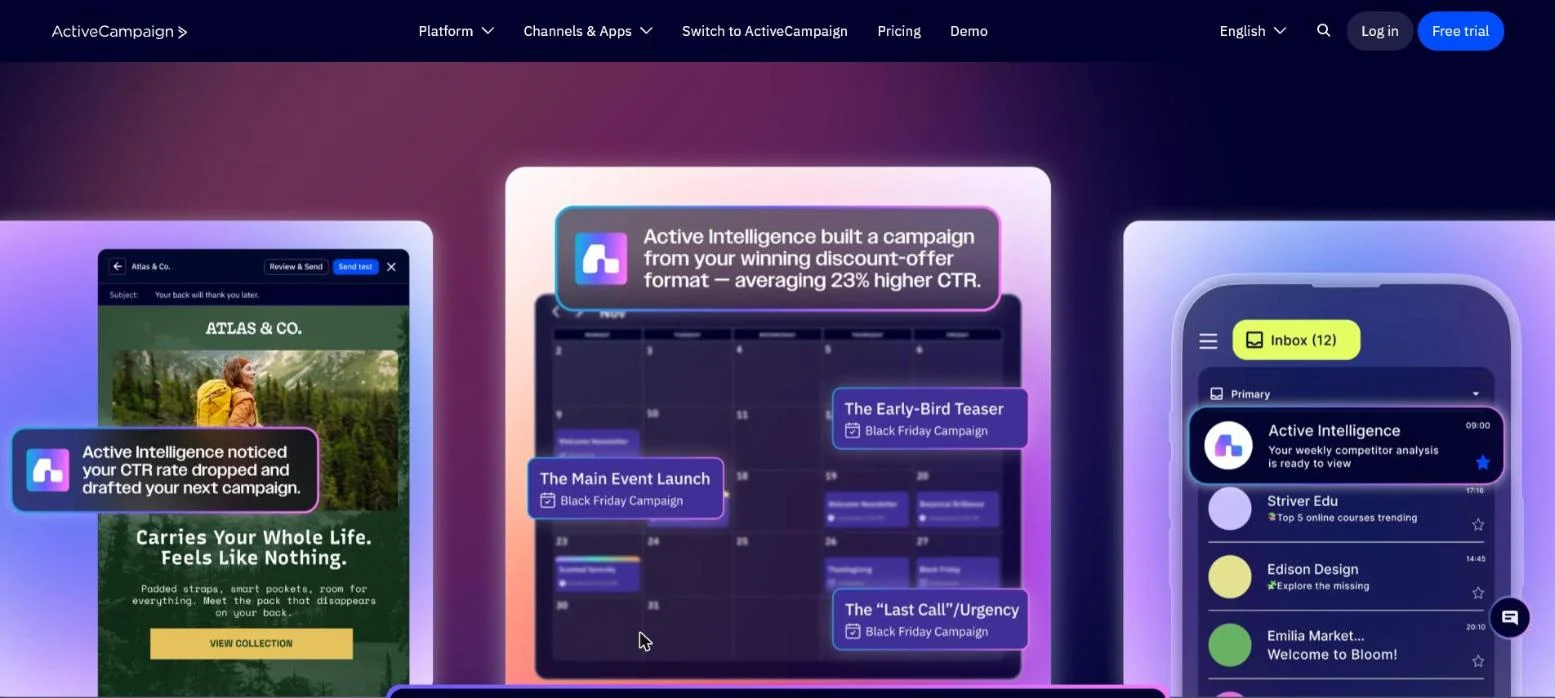 ActiveCampaign’s homepage, October 2026. Automation first, CRM as an add-on.
It started as an email and automation platform and built a CRM around it. The strength is automated follow-up: nurturing, scoring and triggered flows.
That fits long cycles, see lead nurturing for long sales cycles. Lead scoring plus automation is a genuine asset.
Compare it with the other systems in the best marketing automation tools.
| Pros | Cons |
|---|---|
| Very strong automation and nurturing | Price not published, quote needed |
| Lead scoring tied to email behavior | CRM features sit in an add-on |
| Good fit for long B2B cycles | Weaker as a pure deal pipeline |
Verdict: pick ActiveCampaign when nurturing, not deal tracking, drives revenue.
7. A free option to start with
Best for: small teams that want to test a process before paying.
Biggest strength: you learn what your process needs before you sign a contract.
Price: HubSpot CRM free for up to 2 users; Zoho CRM free for up to 3 users (both checked 18 October 2026).
Watch out: migrating later costs time, so pick a free plan with a paid path.
The free HubSpot CRM is the most complete entry point: a basic pipeline and email tracking. Zoho CRM also has a free plan.
Test your process in practice first. Only move to a paid plan once you’re sure the system fits.
Which B2B CRM suits which company?
Match the system to your situation, not to the longest feature list:
| Your situation | Pick | Why |
|---|---|---|
| Belgian SME that quotes and invoices | Teamleader | Sales and administration in one local tool |
| Growth runs on inbound and content | HubSpot | Marketing and sales share one contact record |
| Small sales team, deal follow-up first | Pipedrive | Fastest to adopt, clear pipeline |
| Large organization, complex processes | Salesforce | Configurable, scales with many teams |
| Maximum features for a low price | Zoho CRM | Broad suite at a low per-user price |
| Long cycles that need nurturing | ActiveCampaign | Automation and lead scoring first |
| No budget yet | HubSpot or Zoho free | Test your process before paying |
Prices vary by plan and number of users. So always request a current quote and calculate with your own numbers.
What matters more than the tool?
What happens inside it. A CRM pays off when lead source, follow-up and marketing automation come together.
Link your CRM marketing to measurable revenue instead of loose fields.
A practical start: store the GCLID in your CRM. Then every closed deal traces back to the ad that started it.
Should the input side be automated?
We think so. Most sales admin can be automated from call transcripts.
The CRM becomes a status view. An agent wraps up every call and does the follow-up actions.
That’s where we help, with marketing automation and lead generation: filling the inflow and automating the follow-up.
HubSpot vs Pipedrive: which one for a small B2B team?
Choose HubSpot when marketing generates most of your leads. Forms, emails and deals then sit on one record.
Choose Pipedrive when your team sells outbound or through referrals and needs a fast, clear pipeline.
Price: HubSpot starts free but climbs steeply with marketing tiers. Pipedrive stays predictable per seat.
Both are easy to adopt, and adoption decides most CRM projects.
What does this mean for your visibility in AI?
More buyers now start their CRM search in ChatGPT or another assistant, which hands them a shortlist.
Learn how that list forms in getting onto the ChatGPT shortlist.
To surface in those answers, your content has to be clear, factual and citable.
That’s what we do with generative engine optimization.
Frequently asked questions
What is the best CRM for a small B2B company?
For a small Belgian B2B company that also sends quotes and invoices, Teamleader is usually the most practical choice. If leads mainly come from your website, start with the free HubSpot CRM. For only a clear deal pipeline, Pipedrive Lite is the simplest paid option.
Is there a free B2B CRM?
Yes. HubSpot’s free CRM covers up to 2 users and Zoho CRM’s free edition up to 3 users (checked 18 October 2026). Both are enough to test a sales process before you pay.
How much does a B2B CRM cost per user?
On 18 October 2026 the entry prices ran from €14 per seat per month (Pipedrive Lite, billed annually) to €195 per user per month (Salesforce Sales Cloud Core, billed annually). Add-ons, onboarding fees and extra seats often double the starting price.
Is Teamleader better than HubSpot?
For a Belgian SME that wants CRM, quotes and invoicing in one tool, often yes. For inbound-driven growth, HubSpot is stronger: marketing data lands on the record sales works from.
So which CRM should you pick?
The one your team will open every day, matched to where your leads come from.
Not sure which CRM fits? Contact us and we’ll map your sales process and lead sources with you first.
Free website scan
Enter your website and get an automatic scan within minutes, with concrete technical and SEO improvements. No sales pitch.
We only use your details for your scan. No spam, unsubscribe anytime.